Clean a plain background
Make a background color transparent before placing your artwork. Keeping the cutout shape avoids repeated opaque rectangles.
One tile. A continuous pattern.
Arrange your own transparent motifs with this Seamless Pattern Maker. Move a flower across an edge and watch it continue on the opposite side. Check the repeating layout as you work, then download a reusable PNG tile.
Free · No signup · Transparent PNG export · Local image processing
Add a few cutout images, set the cell size, and drag any visible copy. The outlined cell and its neighbors update together.
Image processing stays in your browser. Site ads and analytics may still make network requests.
The teal outline marks the design cell. Drag inside it or on neighboring copies. Center seams brings a four-cell junction into view. View backgrounds and boundary lines are excluded from downloads.
Canvas keyboard: arrow keys move 1 px; Shift + arrows move 10 px; Delete removes; Escape hides selection. Ctrl / ⌘ + Z undoes; add Shift to redo.
Add motifs to start arranging a pattern.
Use this PNG for repeating backgrounds, fabric layouts, or pattern fills. Mirror mode includes four reflected cells.
512 × 512 px
Download a larger composition made of whole exported tiles. Set the number of tile columns and rows.
1536 × 1536 px
Design cell: 16–2,048 px per side. Export: up to 8,192 px per side and 32 megapixels. Up to 64 motifs; retained sources, including undo history, share a 64 MB / 32 megapixel budget. Animated files are not supported.
Open a preparation tool in a new tab, download its result, then use Replace source image here to keep the motif position.
The Seamless Pattern Maker connects a focused layout workflow with existing image preparation tools.
Make a background color transparent before placing your artwork. Keeping the cutout shape avoids repeated opaque rectangles.
Replace a specific color in a motif, then bring the revised PNG back into your arrangement.
Send a tile or display image to the print tool and choose physical dimensions, paper size, and page layout.
Use the Seamless Pattern Maker to judge both the small repeat and the pattern it creates over a larger area. Illustrations show the concept.
A repeating pattern maker needs to keep opposite edges connected as you edit. Move, resize, or rotate a motif and all its wrapped parts update together, including at the corners. Toggle boundaries and center the seams to check spacing in the continuous preview. The Seamless Pattern Maker keeps those edits tied to one source motif.
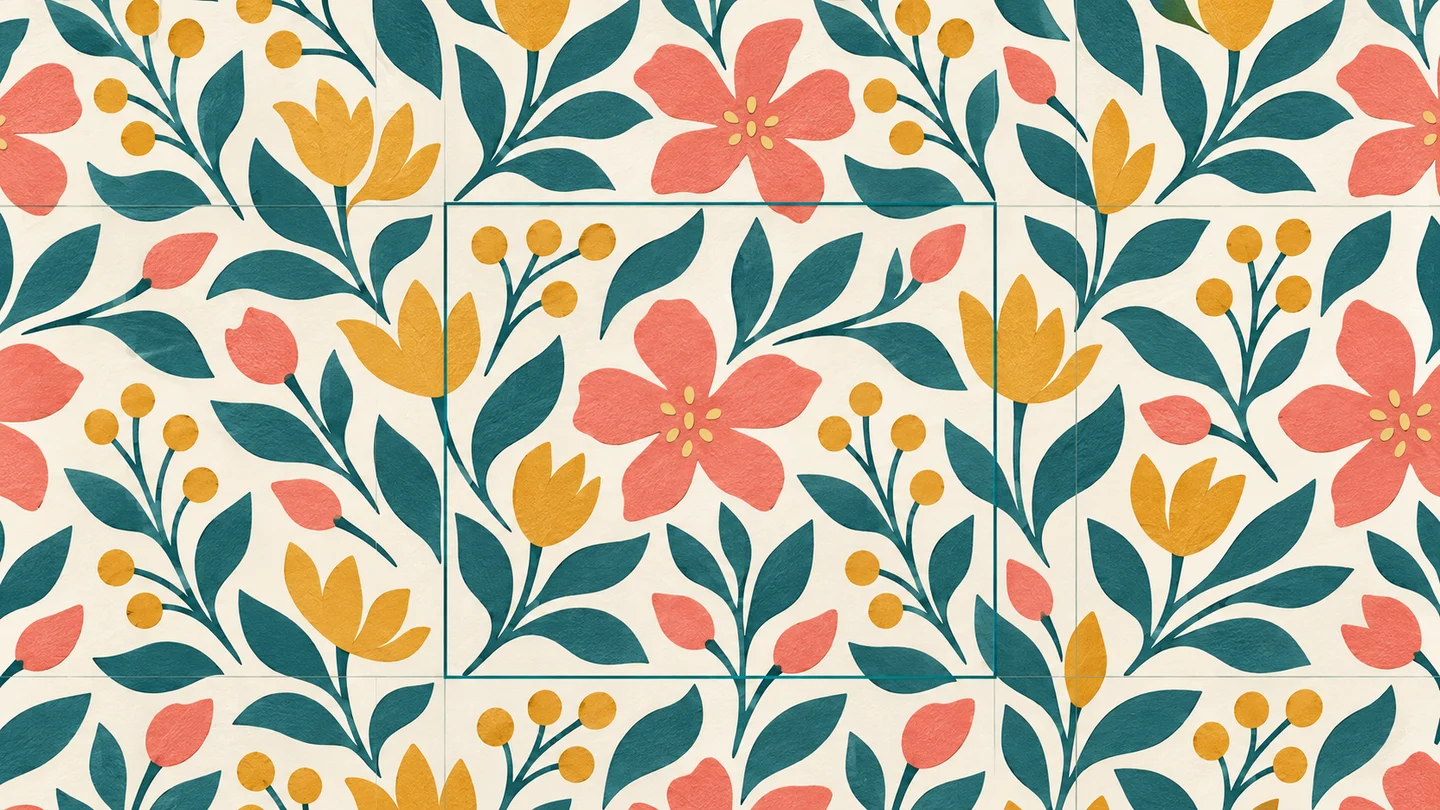
A tileable pattern maker produces a repeat unit you can reuse at any size. A display image lays out a chosen number of those units in one PNG. The Seamless Pattern Maker exports each separately and sends either to the print tool. In mirror mode, the reusable unit contains the complete four-cell reflection cycle.
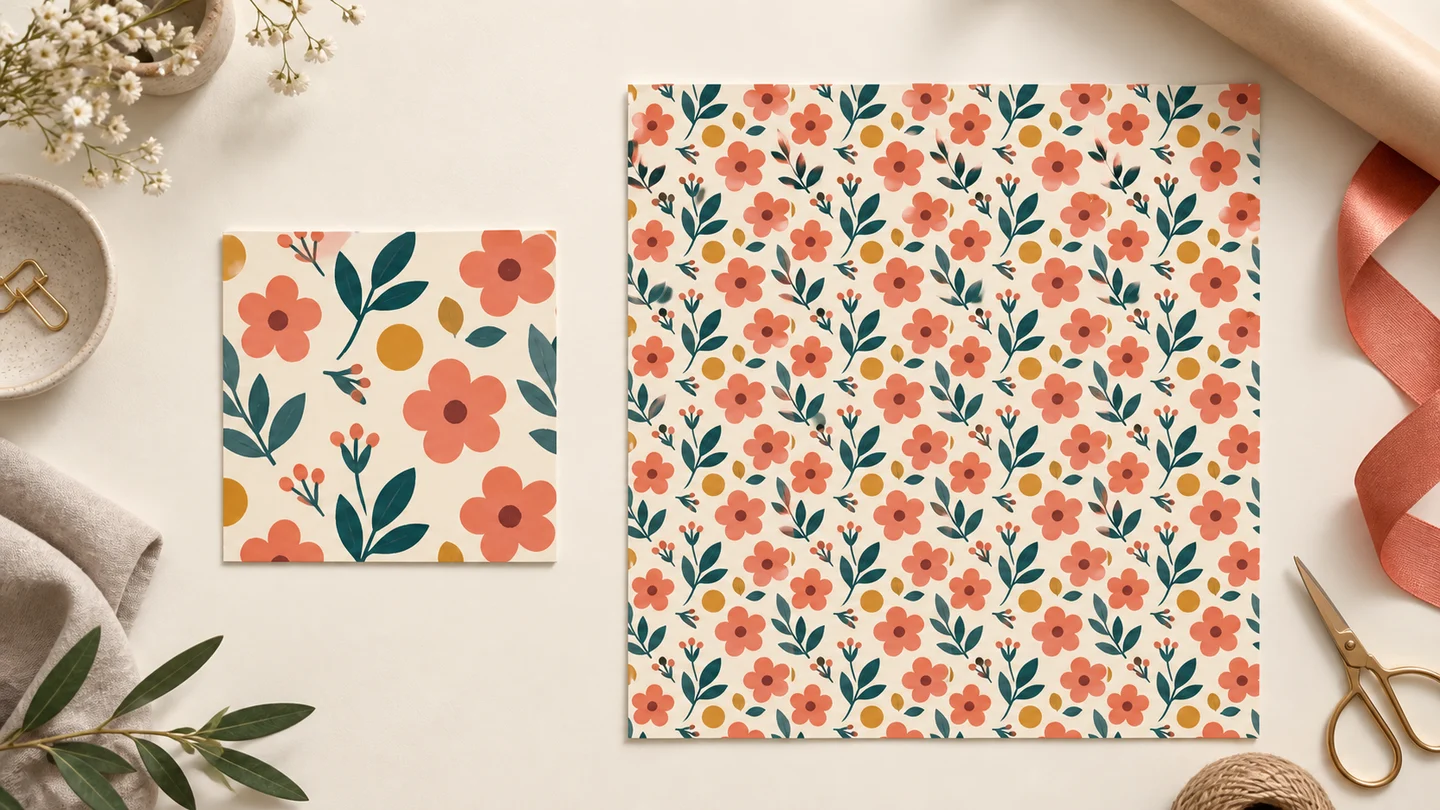
Start with a few transparent motifs and inspect the repeat before committing to an export.
In the Seamless Pattern Maker, add one or several static PNG or WebP cutouts. JPG works too, but keeps its background. Set the design cell width and height, then choose transparency or a background color.
Move a motif anywhere in the preview or edit its X and Y position. Adjust width to scale proportionally, set a rotation, and duplicate useful elements. The Seamless Pattern Maker updates the full pattern after each edit.
Compare regular and mirror repeat. Hide the cell boundaries, center a seam junction, and zoom to 100% to inspect edges. For pixel artwork, enable integer alignment and use quarter-turn rotations.
Export the reusable unit from the Seamless Pattern Maker for pattern fills. Choose rows and columns for a larger display image, or send either result directly to the print tool.
Practical answers about cutout motifs, repeat tiles, transparent edges, and printing.
It is an arrangement whose right edge continues into its left edge and whose bottom continues into its top when repeated. The Seamless Pattern Maker wraps each motif across those boundaries, so you can edit one layout while checking many neighboring copies.
Open the Seamless Pattern Maker and import your cutout PNGs, choose a cell size, and position each motif. Drag part of a motif across an edge to continue it on the opposite side. Inspect the repeat, then download the tileable unit. Transparent WebP works too; JPG has no alpha channel.
The layout editor and PNG downloads are free and need no account. Images are decoded, arranged, and exported in your browser. Website ads and analytics can make network requests, but the editor does not send your source artwork to a processing server.
Its visible parts appear in all relevant corners of the cell. They stay connected to the same motif, so moving or resizing any visible copy updates the entire arrangement. The Seamless Pattern Maker also handles motifs larger than one cell within the displayed size limits.
First hide the cell boundaries and deselect the motif; those guides never export. Inspect at 100% and switch between light and dark preview backgrounds. A source PNG can contain pale edge pixels, while fractional scaling in another app can introduce a display line. Check the exported tile at its original size before changing the artwork.
Regular repeat keeps every cell in the same orientation. Mirror repeat flips alternate columns horizontally and alternate rows vertically. To preserve that layout in other apps, the Seamless Pattern Maker exports a full 2 × 2 mirror cycle as one tile, with twice the design cell width and height.
Download the tileable unit for repeating fills or website backgrounds. Download the repeated image when you need a finished rectangular composition. Rows and columns count complete exported units; in mirror mode each unit already contains four reflected design cells.
Yes. In the Seamless Pattern Maker, leave Transparent background selected to preserve alpha in both PNG exports. The checkerboard and light or dark viewing backgrounds help you inspect edges and do not become part of the file. Disable transparency and choose an export background when you want an opaque result.
Enable Pixel art mode to snap positions and displayed dimensions to whole pixels and scale with nearest-neighbor sampling. Rotations snap to 90° increments. Use whole-number zoom for close inspection, and avoid fractional resizing of the final tile in another application.
This version arranges existing image motifs. It does not blend photo edges, remove lighting gradients, or synthesize natural textures. A photo can be placed as a motif, but a natural-looking continuous surface may need separate texture editing before import.
Export a unit for your repeat layout or a larger sheet for a fixed design, then use the print buttons to pass the PNG to the print tool. Set the physical dimensions there. The Seamless Pattern Maker exports pixels; increasing the number of repeated tiles increases image area, not the detail inside each motif.
Design cells range from 16 to 2,048 pixels per side. PNG output is limited to 8,192 pixels per side and 32 megapixels. Up to 64 motifs can be arranged, with undo and redo during the session. Editable project files are not included in this version; download your finished PNG before leaving or refreshing the page.
Start with your own cutouts, explore the corners, and save a tile that carries the whole pattern.
Free PNG export · No signup required