Pixel art grid maker for planning
Create a labeled grid with rows, columns, cell size, and color count.
Grid canvasPrintable pixel grid tool
Use this pixel art grid maker to set rows and columns, paint cells, show coordinate labels, track color count, and download a PNG grid reference.
The grid is generated and exported in your browser.
Choose columns, rows, cell size, labels, and paint color, then draw cells and download a PNG reference.
A grid maker is most useful when paired with a clear source reference or a simple color plan.
Create a labeled grid with rows, columns, cell size, and color count.
Grid canvasUse the image converter first when you need a source image turned into a pixel reference.
Reference firstUse the general pixelator for quick image pixelation and this grid maker for coordinates.
Different outputCoordinate labels and color counts make a grid easier to follow after the first sketch.
Set a practical grid size, keep coordinate labels on, and paint color blocks to create a reusable planning image.
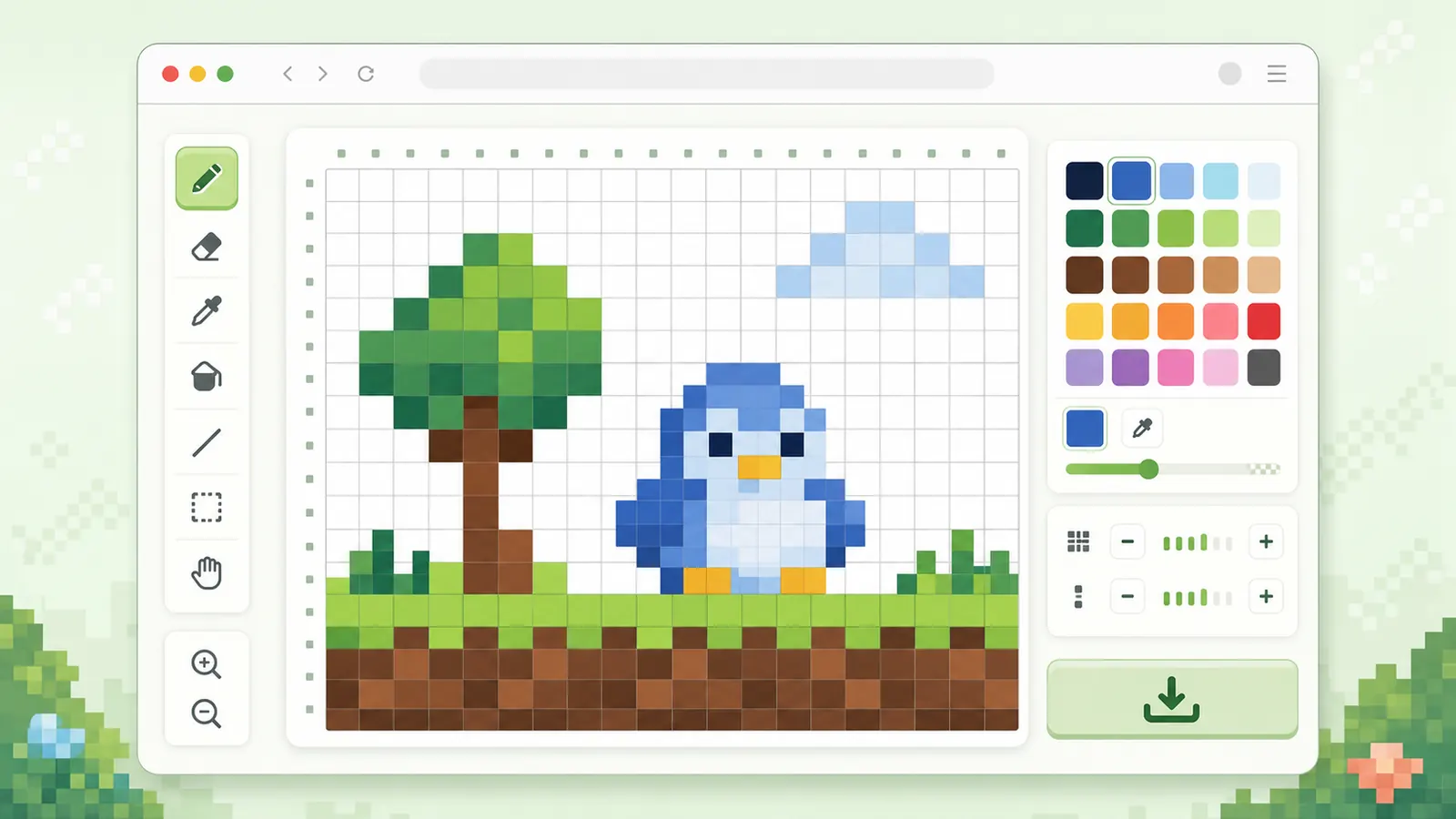
Use the exported PNG as a visual guide for pixel art sketches, bead planning, or simple color charts.
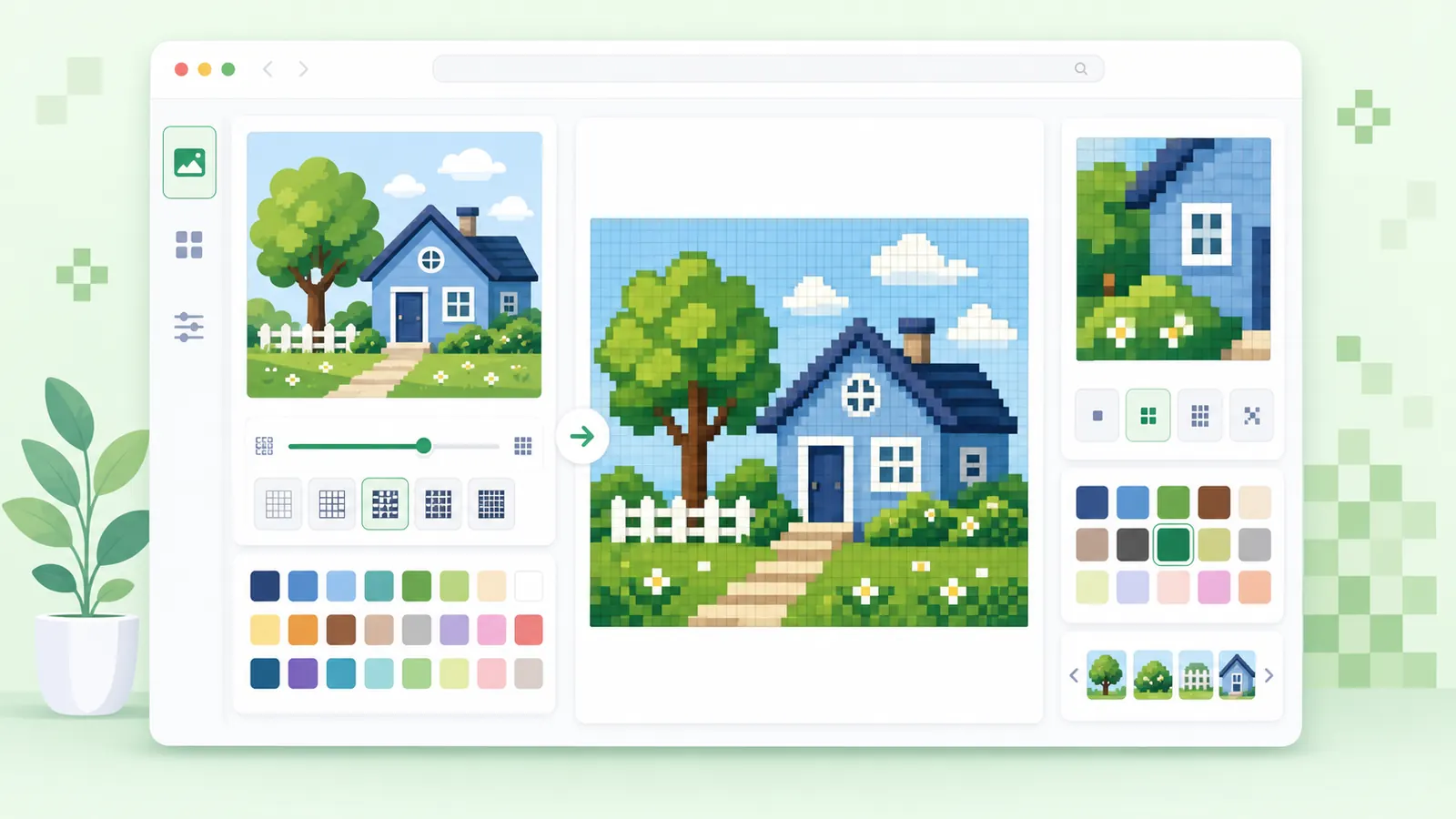
Start with a manageable grid so your reference stays readable.
Pick rows and columns based on the detail level you can actually follow.
Keep labels on when you plan to print, share, or recreate the grid later.
Paint cells with a controlled palette and watch the color count before downloading the PNG.
Questions about creating labeled pixel grids.
Yes. The canvas exports a PNG with the current cells, labels, and painted colors.
Yes. The tool shows total cell count and the number of colors used in the grid.
Use the converter first if you need to turn a source image into a pixel art reference, then use the grid maker for planning.
Set rows and columns, paint cells, and download a labeled PNG grid.
Use the image converter first when you need a source image reference.
Keep grids small enough to read and reuse.