Pixelate image online for one area
Select just the part that needs masking instead of pixelating the whole file.
Precise maskingFree browser image pixelator
Use this pixelate image online tool to upload a photo, choose a pixel grid, review source and output dimensions, inspect the color palette, and download the result.
Image processing for the editor runs in your browser. Ads and analytics remain enabled on the site.
Upload one image, adjust the pixel grid, reduce colors if needed, compare the original, and download a pixelated PNG.
Drop in a photo, screenshot, logo, or graphic. The preview is rendered locally in this browser session.
A full-image pixelator is useful, but adjacent tasks often need a more focused editor.
Select just the part that needs masking instead of pixelating the whole file.
Precise maskingChoose solid redaction for passwords, IDs, account numbers, and other sensitive text.
Safer for secretsUse the pixel art converter when you want palette-limited output and repeat previews.
Creative outputUse pixelation when you want a visible blocky style or a quick visual mask.
Keep the full composition visible while reducing detail into larger blocks and a smaller set of colors.
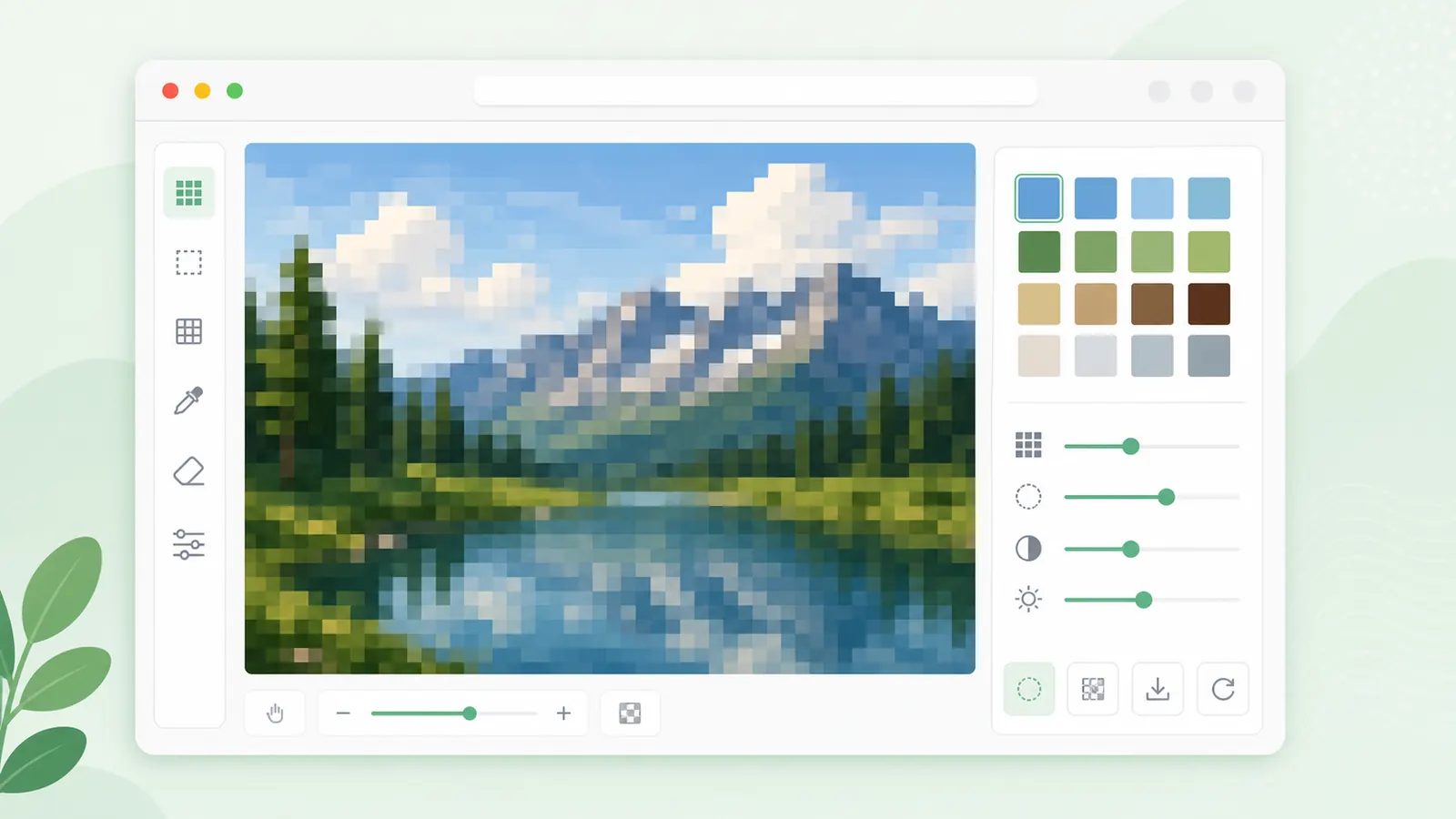
Pixelation can hide visual detail, but solid redaction is the better choice for credentials, IDs, financial details, and private records.
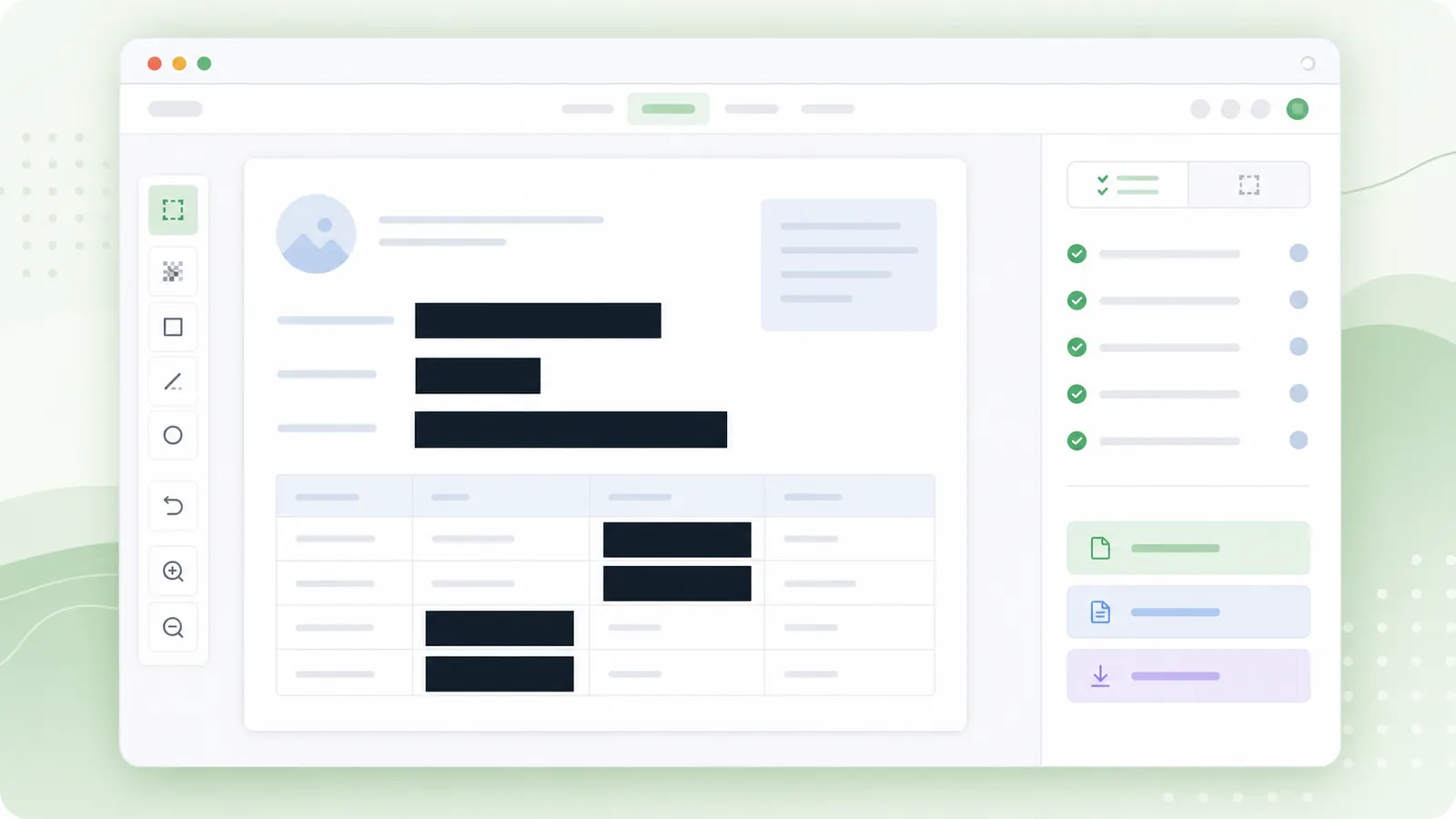
A few checks help the final PNG stay readable and useful.
Upload a clear source image and note its dimensions before choosing the grid size.
Turn on color reduction when you want a simpler blocky look or a compact palette reference.
The palette count updates after each render.
Review the preview, compare the original, and download the result as a PNG for sharing or design notes.
Common questions before you pixelate image online.
The image preview and export are processed in your browser with canvas. The site still includes ads and analytics.
Yes. The current pixelator keeps the image aspect ratio and reports the output dimensions.
Use solid redaction for passwords, API keys, ID numbers, bank details, legal data, or medical data.
Upload a file, adjust the grid, and download the pixelated PNG.
For selected areas or sensitive text, move to the focused masking tools.
Use redaction instead of pixelation for highly sensitive information.