Blur screenshot online for UI cleanup
Blur menus, chats, profile names, tabs, or draft content before posting.
ScreenshotsScreenshot cleanup tool
Use this blur screenshot online tool to paste or upload a screenshot, mask usernames or UI details, and export a cleaner PNG.
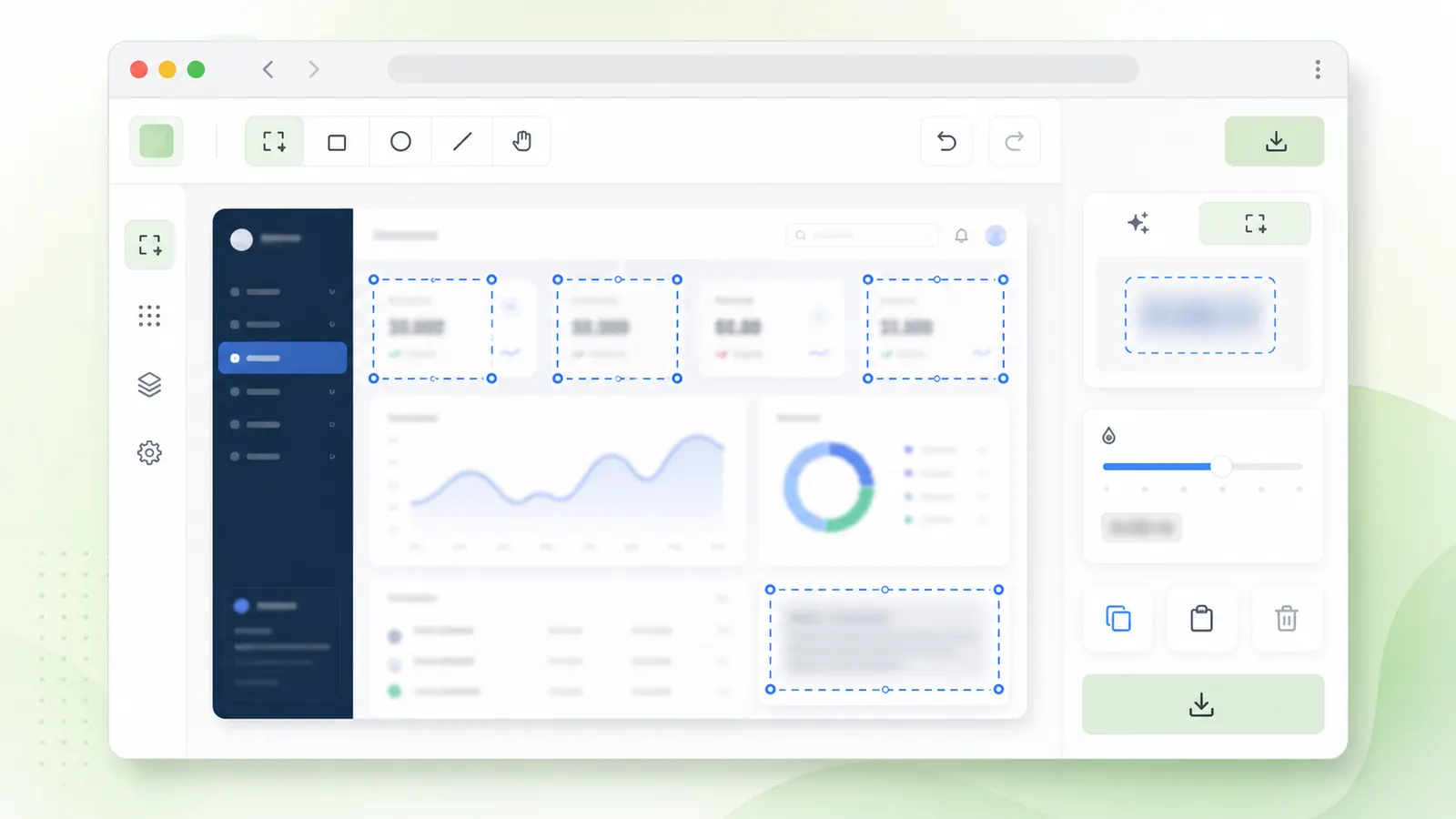
Paste from your clipboard on supported browsers, then draw boxes over screenshot regions.
Paste or upload a screenshot, drag over the regions to blur, choose strength, and download the cleaned image.
Upload or paste a screenshot, then select usernames, messages, tabs, or private UI details.
Tip: copy a screenshot, click this page, and paste it before drawing blur boxes.
Tip: copy a screenshot, click this page, and paste it before drawing blur boxes.
Screenshots often mix harmless UI with private data, so choose the effect by sensitivity.
Blur menus, chats, profile names, tabs, or draft content before posting.
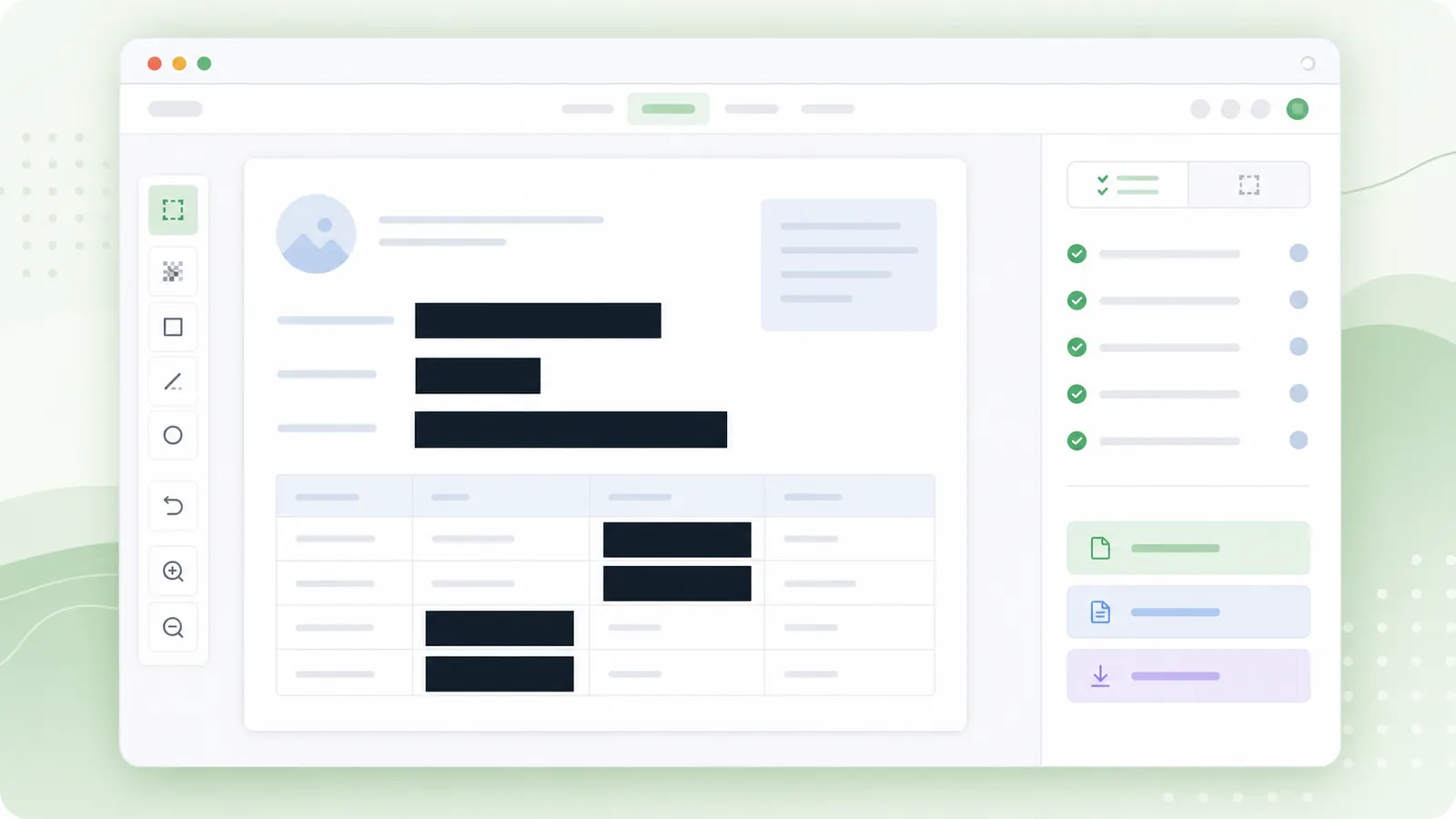
ScreenshotsUse solid redaction for credentials, IDs, customer records, or financial details.
Sensitive dataUse region pixelation when you want blocky masking instead of a soft blur.
Visual maskA good screenshot edit keeps the useful context and hides the distracting or private parts.
Paste a copied screenshot or upload a saved file, then draw boxes around names, chats, tabs, or internal UI.
If a screenshot includes passwords, tokens, IDs, or medical or legal information, use solid redaction instead.
Blur only what needs masking so the screenshot still communicates the point.
Look for names, chats, tabs, sidebars, account IDs, and hidden details before selecting regions.
Increase strength until the selected UI detail is no longer readable at normal viewing size.
Download the image and review it at full size before publishing or attaching it to a ticket.
Common screenshot cleanup questions.
Yes, on supported browsers. Copy a screenshot, focus the page, and paste it into the editor.
No. Use solid redaction for passwords, API keys, ID numbers, bank details, legal data, or medical data.
Yes. Draw multiple boxes and the selected region count will update.
Paste or upload a screenshot, draw blur regions, and download a clean PNG.
Use redaction for secrets or regulated information.
Review the exported screenshot before sharing it.