Combine sprites into a sprite sheet in the right order
Drag frames into place or use numeric filename sorting for names such as idle1, idle2, and idle10. The visible list is the exact export order.
Natural sortBrowser-based PNG sprite sheet maker
Turn separate animation frames or pixel assets into one transparent PNG atlas. This Sprite Sheet Generator preserves each image at its original size, supports drag ordering and numeric filename sorting, and creates optional JSON coordinates.
Private in-browser processing · no automatic rotation, scaling, or trimming
Add frames, place them in a regular grid, horizontal strip, or vertical strip, then download a transparent PNG and a readable JSON frame map.
Your images stay in this browser. The tool does not upload, rotate, resize, or trim them. Still images only. Up to 256 frames, 20 MiB per file, 64 MiB total, 32 million source pixels, and 8192 px per side.
Zoom, guides, and selection only affect the preview. PNG exports at full size with transparency; coordinates start at the top-left corner.
Click a frame in the preview or frame list to inspect its exported position and size.
The first version focuses on a dependable regular grid instead of making silent changes or promising untested engine presets.
Drag frames into place or use numeric filename sorting for names such as idle1, idle2, and idle10. The visible list is the exact export order.
Natural sortMixed-size images are aligned inside equal cells with transparent empty space. If a requested cell is too small, the effective cell expands rather than scaling or cropping a frame.
No scalingDownload a transparent atlas and a generic description containing each filename, image rectangle, cell rectangle, source size, alignment offset, and sheet settings.
Frame dataUse predictable ordering and visible geometry to move from loose files to a reusable image atlas.
Import exported animation frames, run natural filename sorting, then choose grid, row, or column layout. Set columns, cell width, cell height, outer margin, and spacing while checking the result. Empty cell space remains transparent in the downloaded PNG.
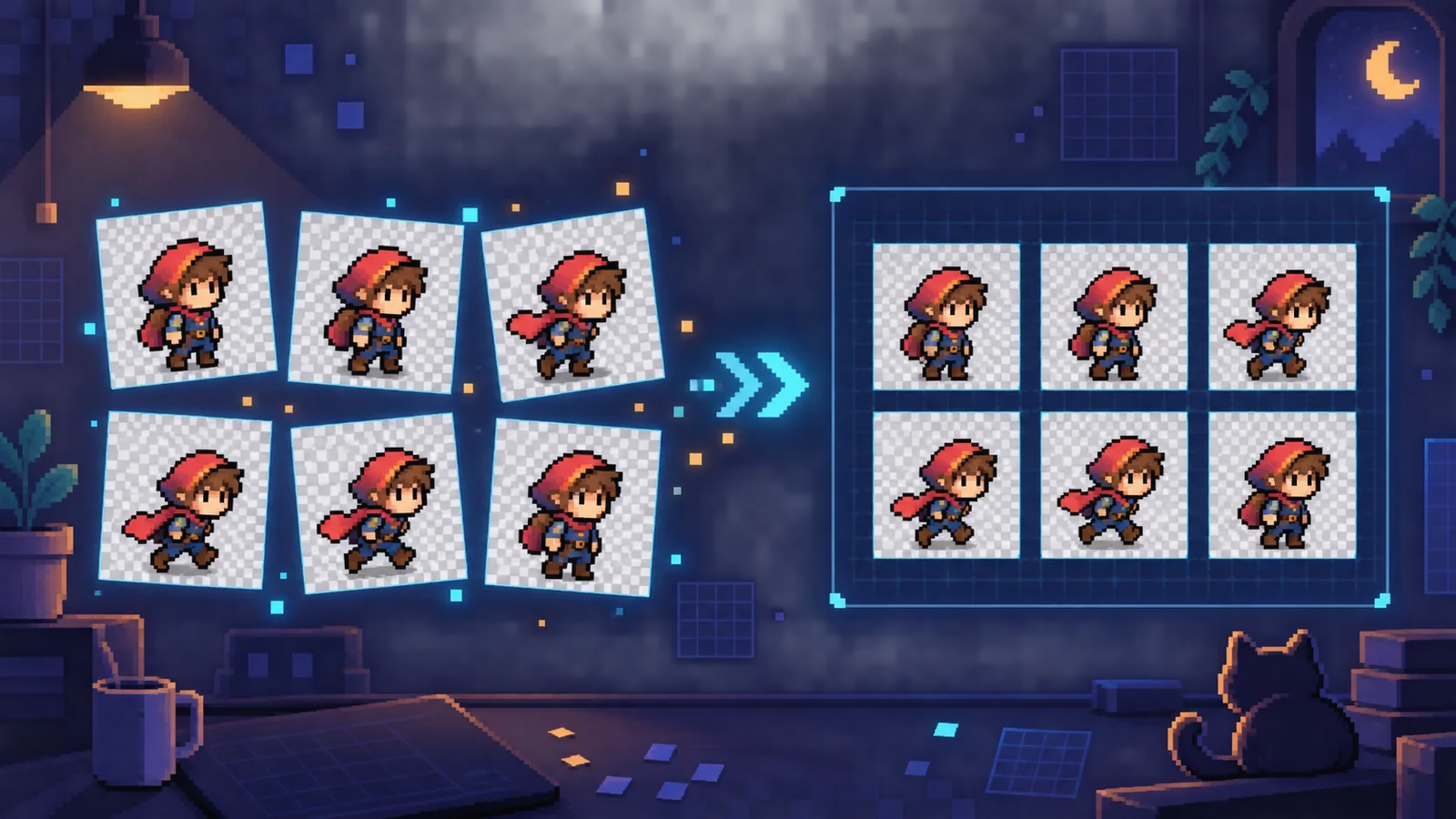
Click any preview cell to see the image x and y coordinates, original width and height, and cell rectangle. The companion JSON records those values without claiming a proprietary engine format. Aseprite documents similar sheet layouts, border padding, shape padding, and JSON data as useful atlas concepts.

A short workflow for making a PNG atlas without losing frame order or original geometry.
Add PNG, JPG, or WebP images. Drag them into order, use accessible up and down controls, or apply numeric filename sorting when the sequence contains frame1, frame2, and frame10.
Pick a regular grid, horizontal strip, or vertical strip. Use center for balanced frames, top left for tile-like assets, or bottom center to keep characters grounded despite different heights.
Click frames to verify position and size. Download the transparent PNG, then download JSON if your loader needs filenames and rectangles. Treat the JSON as a generic map and adapt it to your engine's documented schema.
Answers based on common searches about PNG sequences, grids, padding, transparency, and frame data.
Add your frame images, arrange their order, select a regular grid or strip, and choose cell size, margin, and spacing. Review the transparent preview, then download one PNG. Use the optional JSON when code needs each frame rectangle.
Yes. The tool runs in your browser without an account. Your source images are processed locally and are not uploaded by this page.
Choose Sort by filename numbers to use natural numeric ordering, which places frame2 before frame10. You can still drag any frame or use the arrow controls afterward.
Yes. The output canvas has a transparent background, and PNG alpha from source frames is preserved. JPG files have no alpha, so their existing solid background remains visible.
The largest source dimensions set the minimum effective cell size. Smaller frames are positioned by center, top-left, or bottom-center alignment with transparent space around them. Nothing is stretched to fit.
Margin is transparent space around the outside of the full sheet. Spacing is the transparent gap between adjacent frame cells. Some tools call these border padding and shape padding.
No. This first version draws every frame upright at its original pixel width and height. It does not trim transparent edges, so original dimensions and offsets remain understandable.
Each entry includes the filename, image x/y/width/height, cell x/y/width/height, source size, and alignment offset. Metadata also records sheet dimensions, layout, rows, columns, margin, spacing, and alignment.
The transparent PNG regular grid is broadly usable, but the JSON is a generic PixelateImages schema rather than a tested engine preset. Compare it with your engine's current importer or loader documentation before production use.
Packed atlases can reduce empty space, but they need more complex metadata and may trim or move frames. Use this regular grid when predictable cells, animation order, and manual inspection matter more than maximum packing efficiency.
Arrange a numbered image sequence into a transparent, evenly spaced PNG grid.
Keep original frame pixels and export optional coordinate JSON when your workflow needs it.
No frames are uploaded, rotated, resized, or trimmed.