Redact image online for secrets
Cover credentials, IDs, finance details, and private records with solid boxes.
Sensitive dataSolid image redaction
Use this redact image online tool to cover passwords, API keys, ID numbers, account details, legal data, medical data, or private records with solid boxes.
Redaction boxes are applied in your browser, then exported as a PNG.
Draw boxes manually, find QR codes and barcodes, or search recognized text. Confirm candidates, expand coverage, and review the processed PNG before sharing.
Candidates are not covered until confirmed. Detection can miss content; zero results do not mean there is no privacy risk. Always review the image and use manual boxes. Searches select whole text lines. Recognition stays in your browser.
Upload or paste an image, then draw boxes over sensitive details that should be fully covered.
Tip: paste a screenshot, then cover every sensitive region before downloading.
Tip: paste a screenshot, then cover every sensitive region before downloading.
Solid redaction is the safer default for sensitive text; pixelation and blur are better for visual softening.
Cover credentials, IDs, finance details, and private records with solid boxes.
Sensitive dataUse screenshot blur when the goal is visual cleanup, not strict redaction.
Screenshot cleanupUse pixelation for style or low-risk masking where solid blocks are not necessary.
Visual maskingRedaction should make sensitive information impossible to read in the exported image.
Draw solid boxes over emails, tokens, addresses, IDs, or records before a screenshot leaves your device.
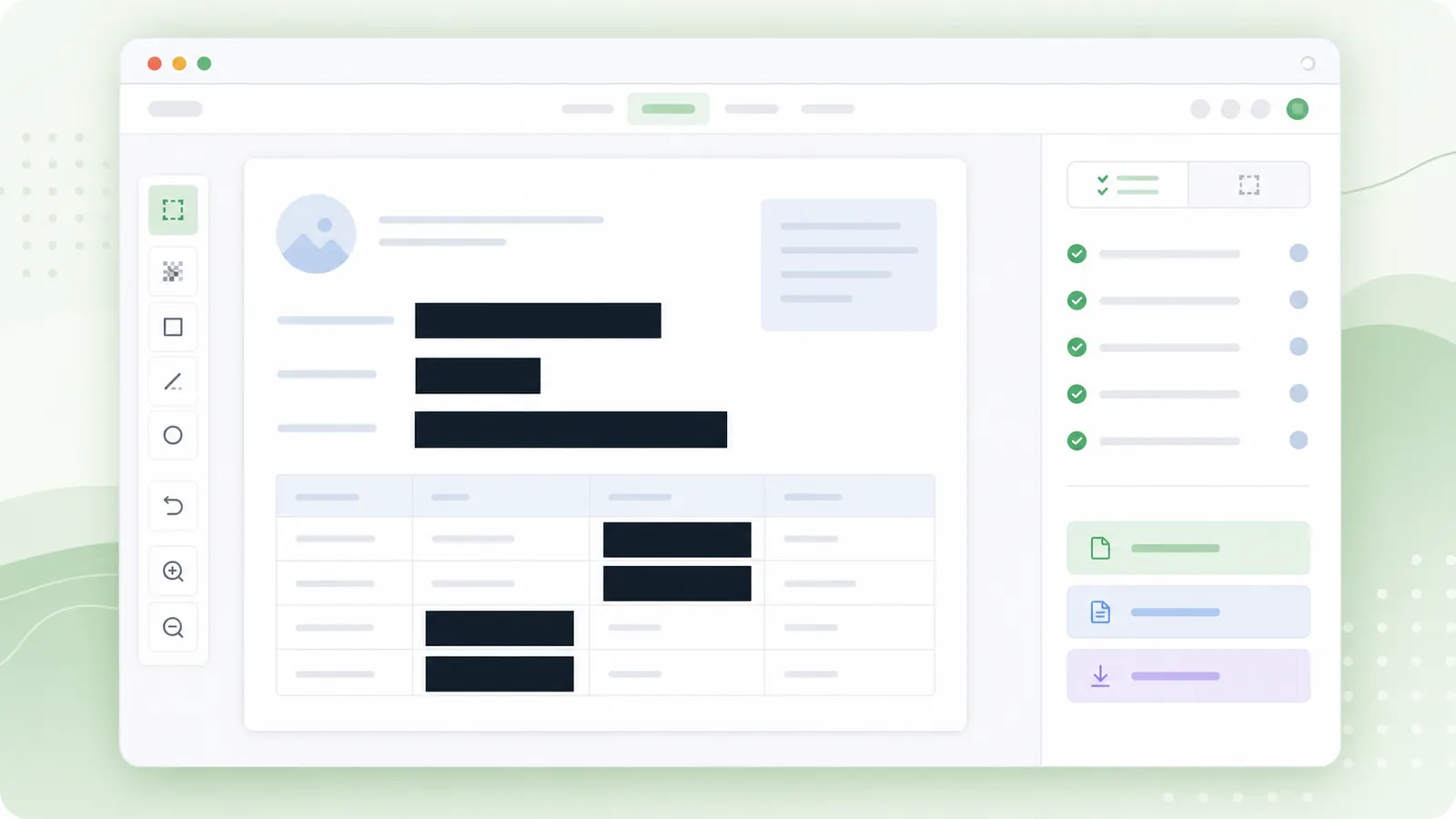
Blur and pixelation can be useful visually, but solid coverage is the better habit for credentials and regulated details.
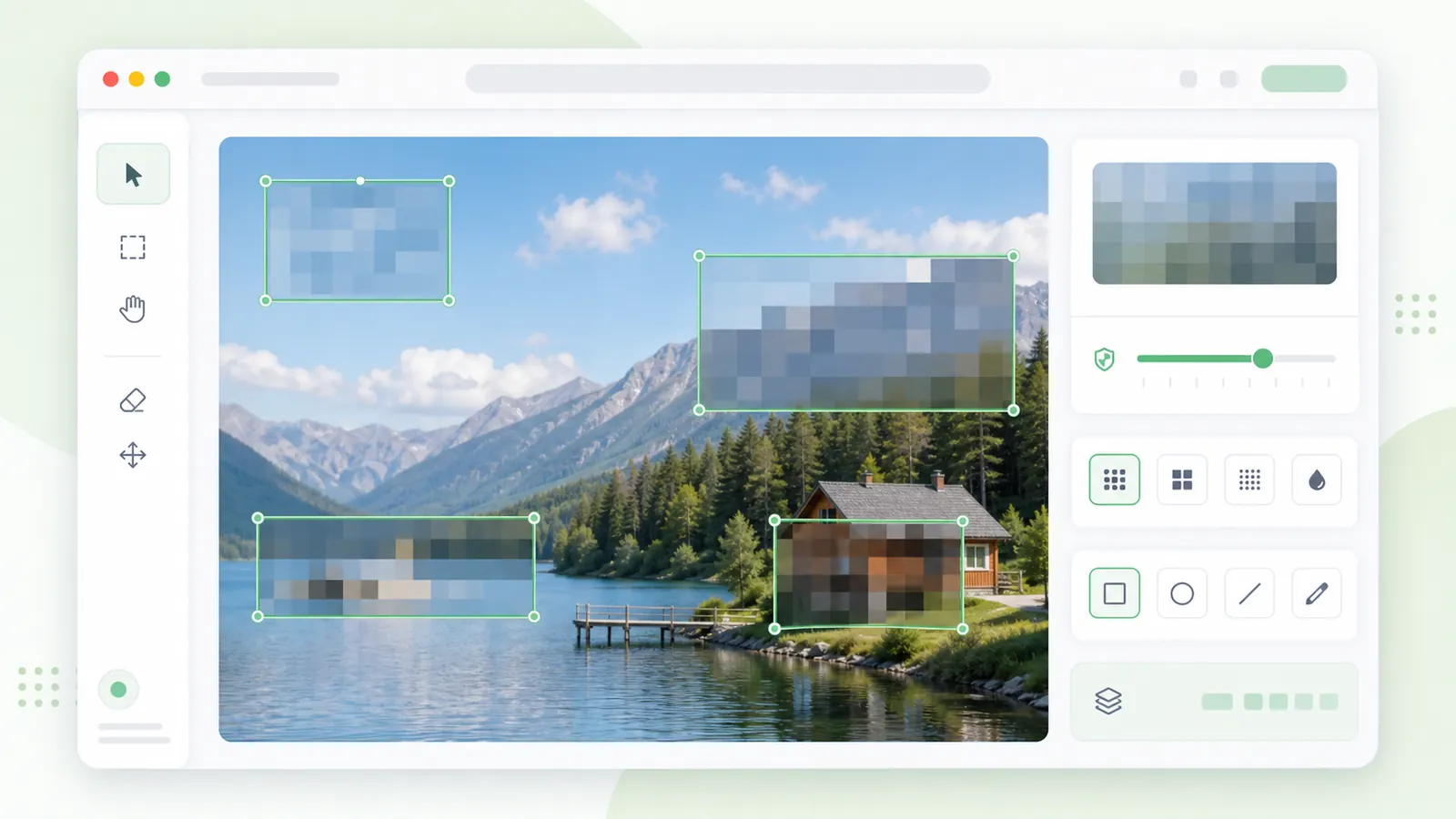
A redaction pass should be deliberate, especially for screenshots and documents.
Scan the image for names, emails, numbers, tokens, addresses, and private context before drawing boxes.
Cover slightly beyond the sensitive text or object so edges do not reveal partial characters.
Download the PNG, reopen it, and verify every sensitive detail is covered before posting or sending it.
Answers for safer image redaction.
Use solid redaction for passwords, API keys, ID numbers, bank details, legal data, or medical data.
This browser canvas export creates a new PNG from the canvas. Still review files carefully before sharing sensitive material.
Yes. Draw as many redaction boxes as needed and check the redaction count before downloading.
Choose Find QR codes & barcodes, inspect each candidate, expand its margin if needed, and apply a fully opaque cover. You can delete false positives. Decoded content is displayed only as text and never opens automatically. Browser support and detected formats vary; manual selection is always available.
Recognize the processed image, then search for a name, number, or phrase. Select a matching line to create a candidate and confirm its solid cover. To redact sensitive text in image files, review every relevant line: this tool does not automatically identify all sensitive information.
Changes to regions clear recognized text, search results, and decoded values. New recognition, exported PNGs, and images passed to other tools use the processed image. Undo retains region geometry without restoring recognized content. Unconfirmed candidates are not covered in exports.
No. Detection may miss codes or text, and some browsers do not support barcode detection. Manually inspect the complete image and exported PNG before sharing.
Cover sensitive details with solid boxes.
Use pixelation or blur only for lower-risk visual masking.
Always review the exported image before publishing.