Create before using Pixel Art Resizer
Turn a photo or sketch into a small palette-limited pixel reference, then send the result here for crisp enlargement.
CreateNearest-neighbor image scaler
Use the Pixel Art Resizer to enlarge pixel art without blur. Choose a clean integer scale, see the exact output dimensions, preserve transparent pixels, and export a sharp PNG without inventing new detail.
Your image is resized locally with nearest-neighbor sampling and is not uploaded for processing.
Upload a sprite or pixel image, then let the Pixel Art Resizer produce an exact 2x, 3x, 4x, or 8x PNG. Custom sizes remain available when a specific canvas dimension matters.
Start with a sprite, avatar, tile, icon, or other small pixel artwork.
The checkerboard only indicates transparency in the preview; it is never added to the downloaded PNG.
The Pixel Art Resizer enlarges finished pixel work. Use the neighboring tools when you still need to create, map, or reframe the artwork.
Turn a photo or sketch into a small palette-limited pixel reference, then send the result here for crisp enlargement.
CreateBuild a coordinate grid and color plan when the next step is drawing or crafting rather than resizing.
PlanCrop or pad an image when you need a new frame shape instead of making each pixel block larger.
ReframeThe method and the scale factor matter more than a vague promise of higher quality.
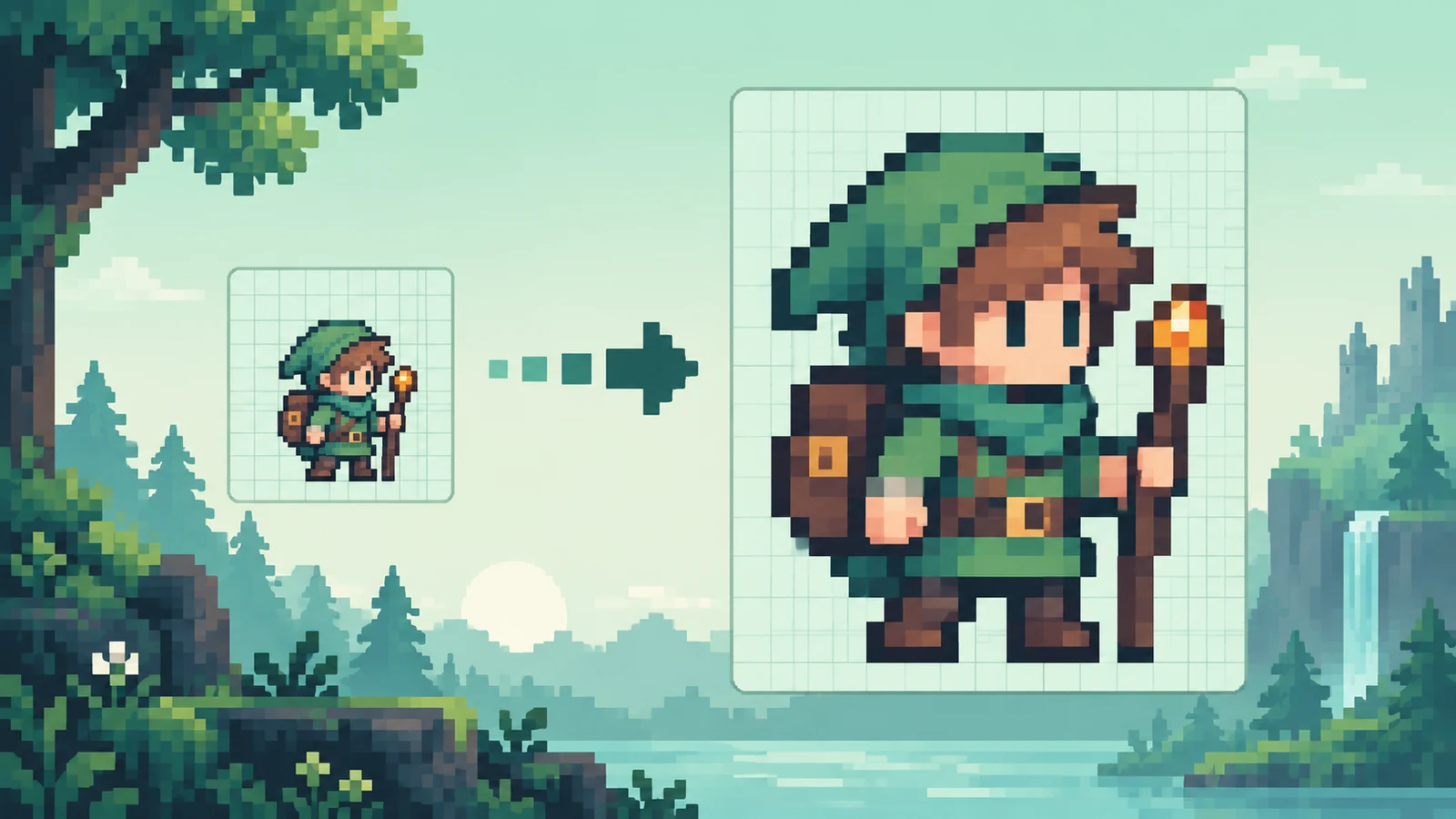
Normal photo resizing blends neighboring colors. The Pixel Art Resizer disables that smoothing for both preview and PNG export, so a 4x scale turns each source pixel into one uniform 4-by-4 color block.
Transparent pixels remain transparent while the checkerboard makes them visible during review. The checkerboard belongs to the interface, not the output, so the Pixel Art Resizer downloads a clean PNG for sprites, avatars, overlays, and asset previews.
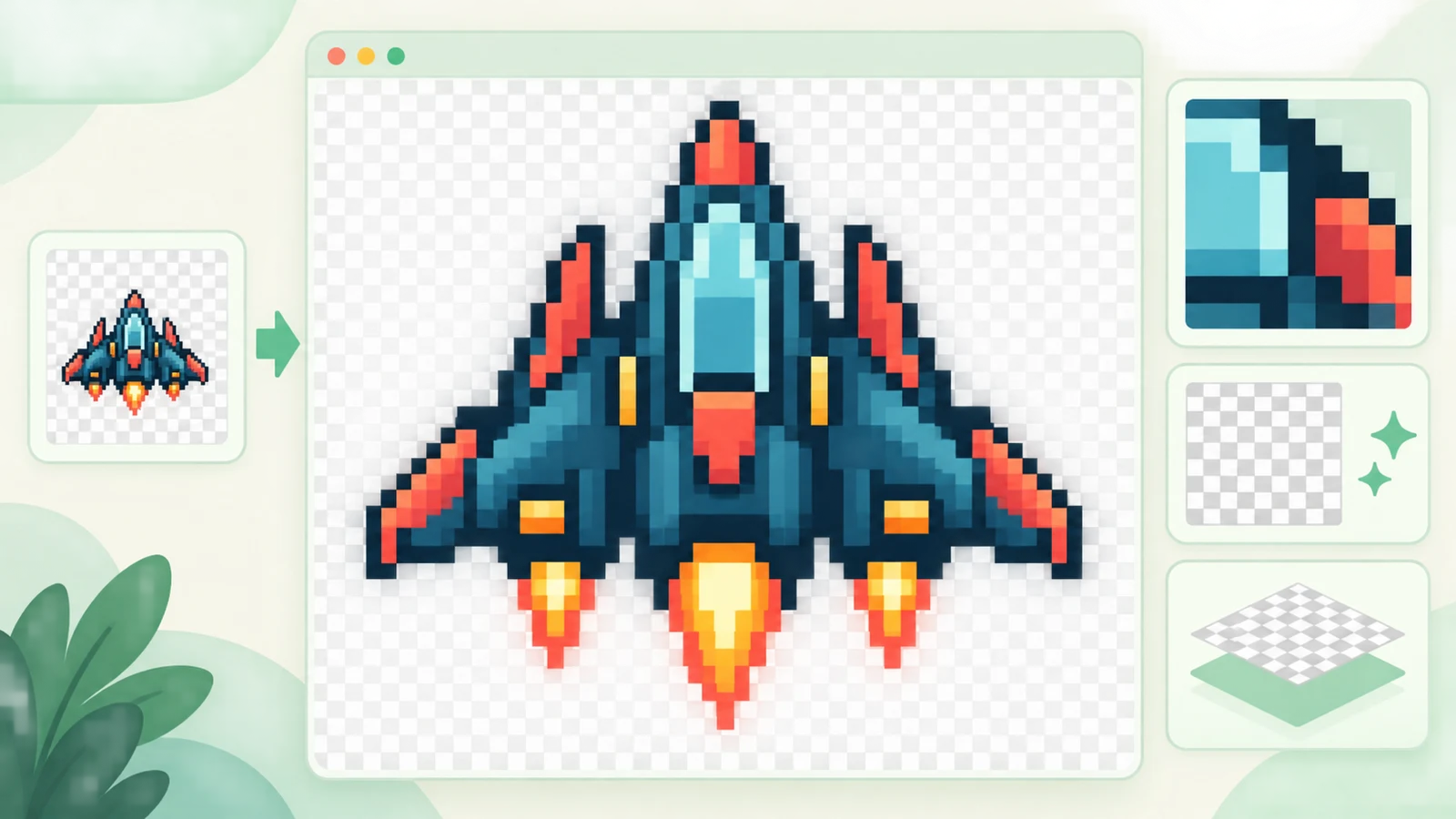
Three checks keep the pixel structure predictable from upload to download.
Choose, drop, or paste a PNG, JPG, or WebP. A transparent PNG is best when the sprite needs a clean cutout.
Choose 2x, 3x, 4x, or 8x and check the output dimensions immediately. For example, 128 by 128 at 4x becomes 512 by 512.
Switch between actual size, fit, and zoom views. Confirm the edges, dimensions, and transparency before downloading the PNG.
Search-informed answers about resizing pixel art without blur, uneven blocks, or lost transparency.
Use the Pixel Art Resizer with a whole-number scale such as 2x, 3x, 4x, or 8x. It uses nearest-neighbor sampling instead of bilinear or bicubic smoothing, so hard color boundaries remain hard in the downloaded PNG as well as the preview.
Nearest neighbor copies the closest source pixel without averaging adjacent colors. In the Pixel Art Resizer, a 4x enlargement repeats one original pixel across a 4-by-4 block, preserving the deliberate square structure of pixel art.
Choose the smallest integer scale that reaches your target display size. A 32-pixel sprite becomes 64 pixels at 2x, 96 pixels at 3x, 128 pixels at 4x, or 256 pixels at 8x. Every preset keeps pixel blocks uniform.
A fractional scale cannot give every source pixel the same whole-number width and height. Some blocks must occupy more output pixels than others. The Pixel Art Resizer warns before download and offers the neighboring integer scales, while still letting you continue when an exact custom size is required.
Yes. Alpha transparency is retained in the exported PNG. The gray checkerboard only helps you see transparent areas in the Pixel Art Resizer preview and is not painted into the downloaded file.
Yes. The aspect ratio is locked by default, so changing one dimension updates the other. You can unlock it for independent width and height, but stretching or fractional scaling can produce rectangular or uneven pixel blocks.
No. The Pixel Art Resizer faithfully repeats existing pixels; it does not invent texture, recover missing detail, or repair source quality. That predictable behavior is the point when the original pixel structure must remain unchanged.
No image file is uploaded for resizing. Preview generation, nearest-neighbor scaling, transparency handling, and PNG export run locally in your browser. The wider website can still use analytics or advertising, so this privacy statement applies specifically to image processing.
Choose an integer scale, inspect the crisp result, and download a transparent PNG.
Use custom dimensions only when exact size matters more than perfectly uniform blocks.
Pixel Art Resizer preserves pixel structure; it does not restore detail that is absent from the source.