Image to pixel art converter for references
Create a small palette-limited reference from a photo, icon, or sketch.
CreativePixel art reference maker
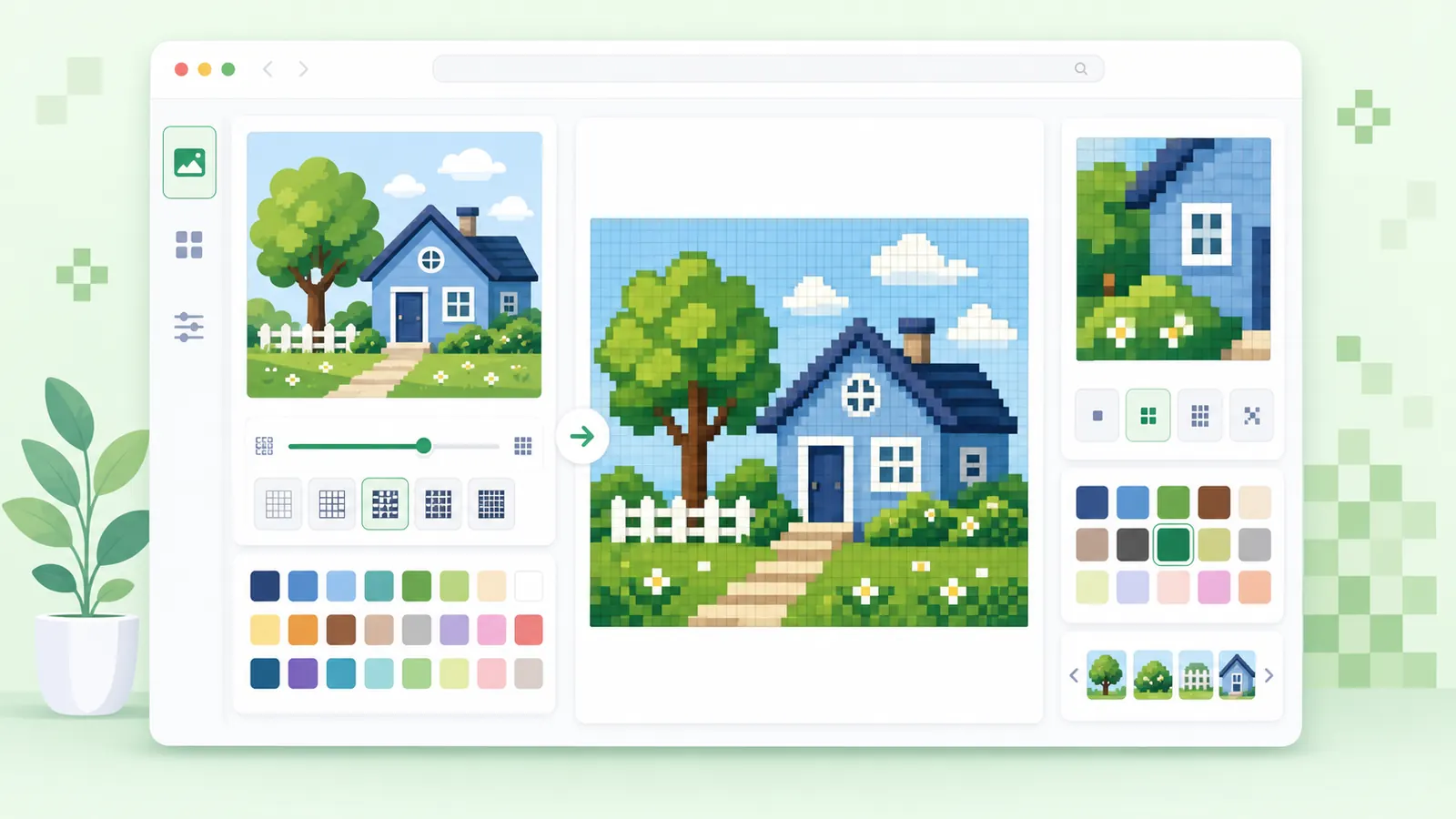
Use this image to pixel art converter to turn a photo, icon, or sketch into a blocky reference with grid size, color reduction, palette swatches, and PNG export.
The converter renders the pixel art preview locally in your browser.
Upload an image, choose a pixel grid, reduce colors, preview a repeated tile, copy palette swatches, and download a PNG.
Start with a logo, icon, character sketch, item image, or photo with a clear subject.
Check whether the pixel art reference repeats cleanly before downloading.
Convert first, then move into grids or privacy tools when the image has a different job.
Create a small palette-limited reference from a photo, icon, or sketch.
CreativeUse the grid maker when you need printable coordinates or a color chart.
PrintableUse the image pixelator for general blocky previews and the converter for art references.
General pixelationA useful pixel art conversion keeps the subject readable while simplifying the palette.
Choose a grid size that preserves the subject shape, then use color reduction for a cleaner reference.
After conversion, use a grid maker for coordinates, cell counts, and a printable planning canvas.
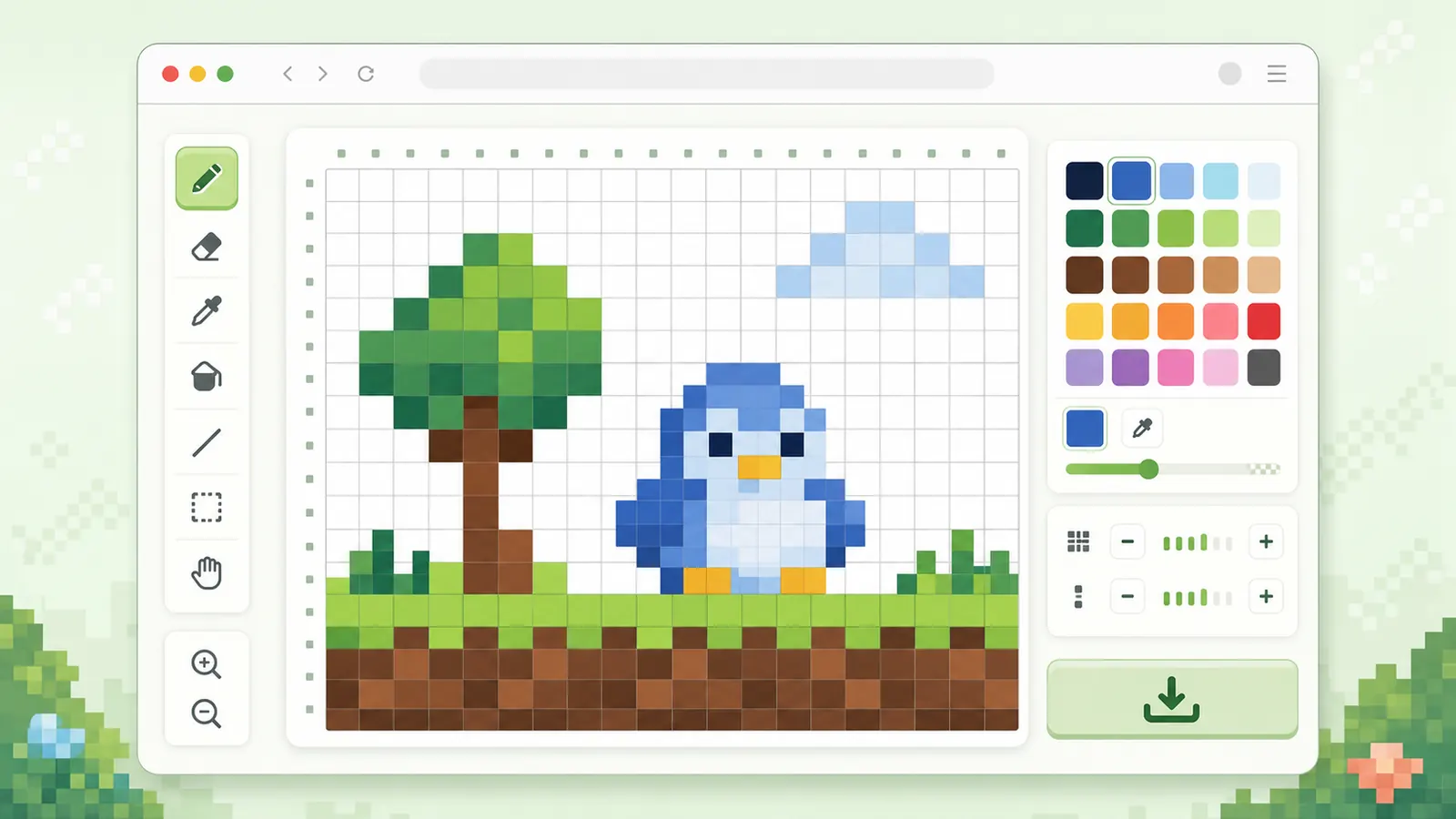
Pixel art references work best when you simplify the image deliberately.
Choose a source image with a recognizable silhouette and avoid tiny details that will disappear.
Turn on color reduction when you want a practical palette instead of hundreds of similar tones.
Check the palette swatches, tile preview, and output dimensions before downloading the PNG or reference card.
Questions about turning images into pixel art references.
Icons, simple photos, character sketches, and images with clear silhouettes usually convert better than busy scenes.
Yes. The converter displays palette swatches and a palette count after rendering.
Use privacy tools for masking. The converter is designed for creative pixel art references.
Upload an image, choose a grid, reduce colors, and download the pixel art reference.
Move to the grid maker when you need coordinates or a printable canvas.
Keep the source simple for the cleanest conversion.