Turn a picture into pixel art
Create a static pixel-art starting point, then import it and draw the next poses by hand.
Starting pointSmall frames. Your own motion.
Animate pixel art for a blinking avatar, a bouncing sticker, or a simple game character. Start on a blank canvas or bring your PNG frames, adjust the rhythm, and download a real animated GIF.
Free browser editor · No account · Images processed on your device
Draw your first frame, duplicate it, and change a few pixels. Press Play to see the movement.
Canvas: 1–128 px per side · Up to 64 frames / 1,048,576 total pixels · Export up to 16,777,216 pixels, including scale and return frames.
Ready. Start drawing or import frames.
This is the encoded file. Check edges and colors before sharing. Your next edit clears this preview.
Use focused tools before you begin animating. Keep every source frame on the same pixel grid.
Create a static pixel-art starting point, then import it and draw the next poses by hand.
Starting pointExtract individual PNG frames from a regular grid before importing them into this pixel animation maker.
Import preparationResize existing pixel art without smoothing. Use identical dimensions across all your animation frames.
Crisp pixelsStart with a short action you can finish: blink, bounce, wave, repeat. Illustrations show the workflow, not editor screenshots.
Duplicate a pose instead of redrawing everything. Turn on previous or next onion skin, lower its opacity, and use the ghost image to keep eyes, feet and outlines aligned. Adjust the selected frame duration to hold a pose longer.
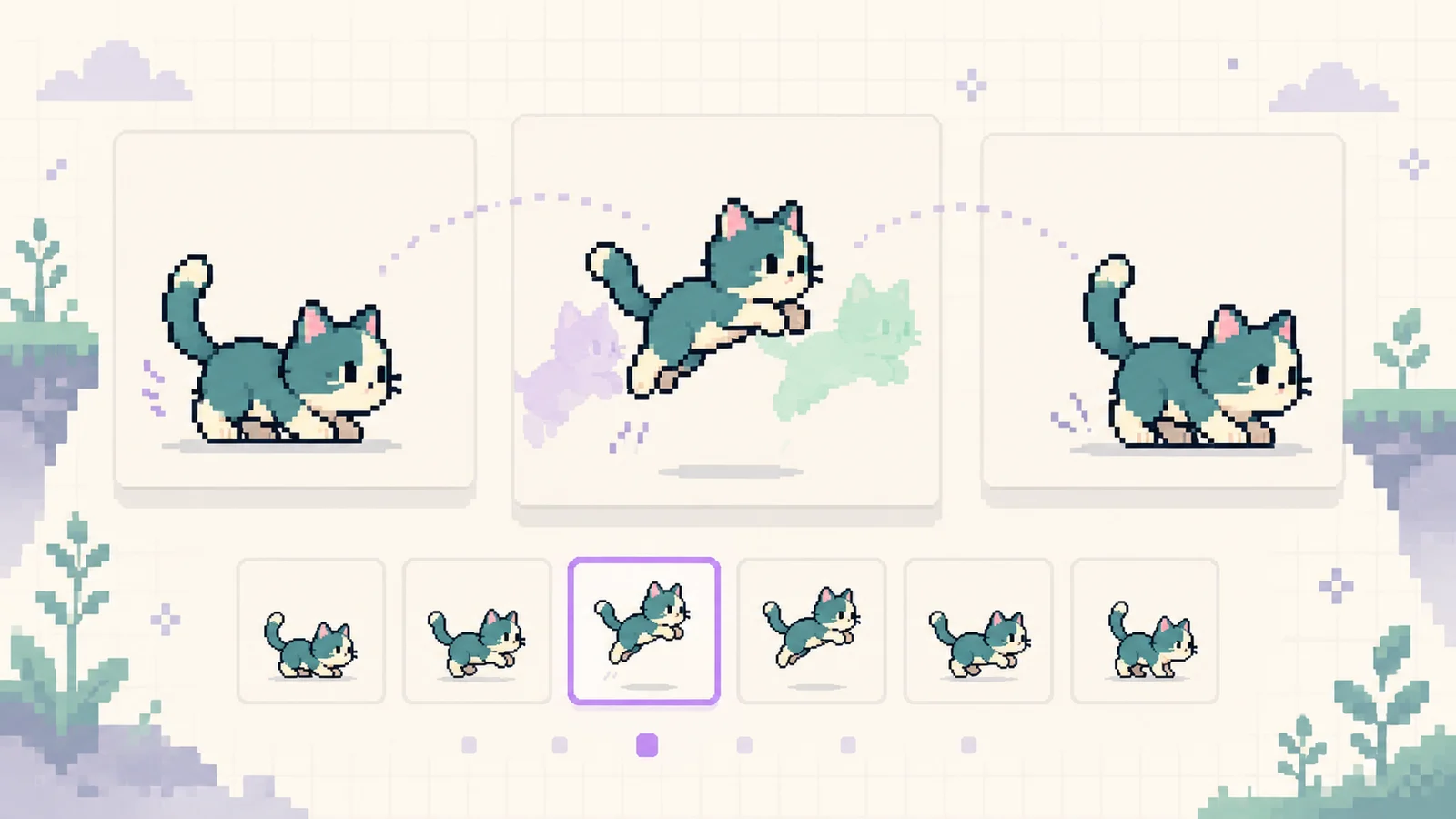
A canvas preview preserves full RGBA color; a GIF cannot. This pixel art GIF maker shows the encoded result after export so you can inspect reduced colors and hard transparent edges. Keep the project for future edits and use PNG frames when partial transparency matters.
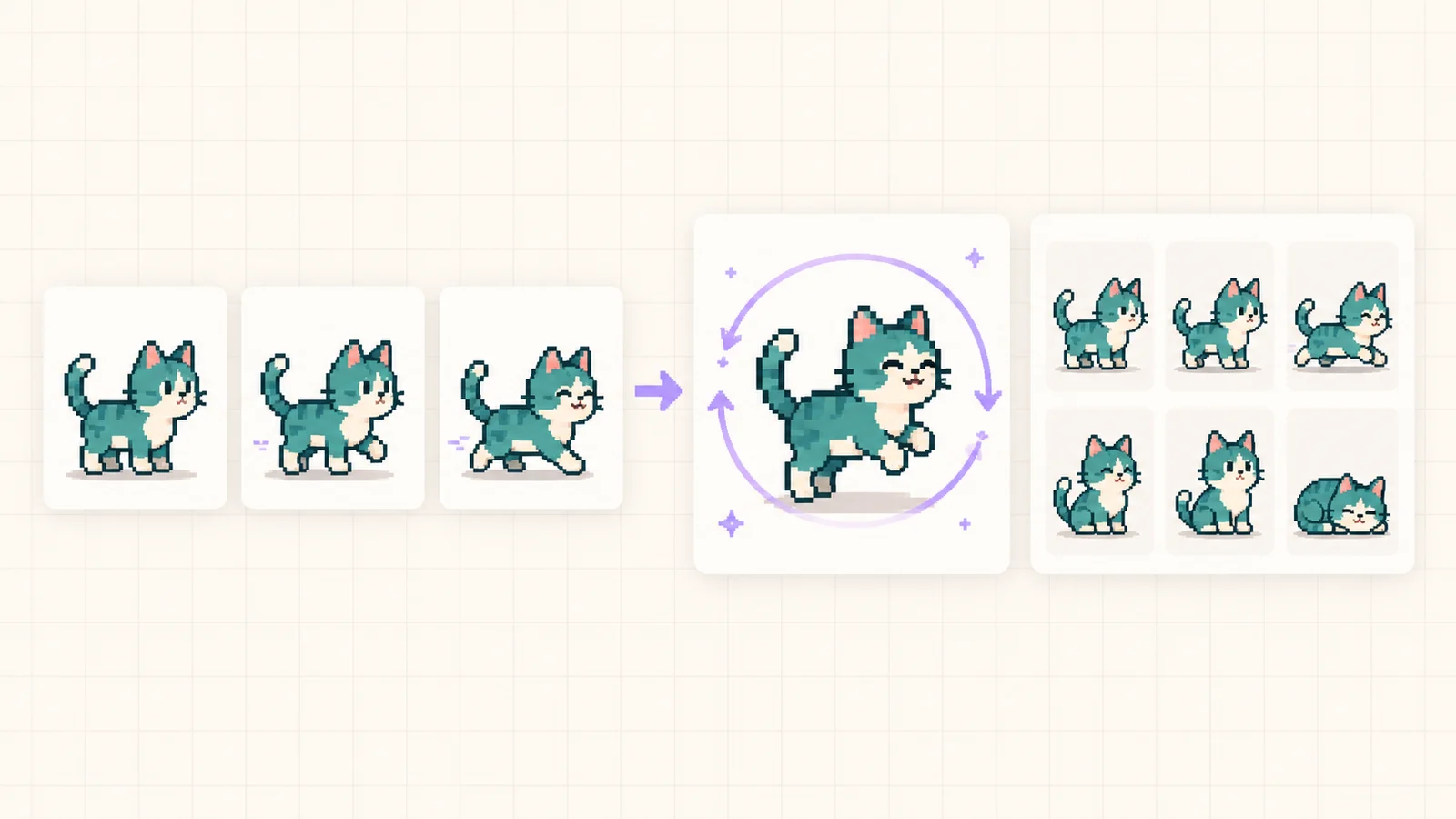
Build a short loop, check its timing, and keep an editable backup.
In the Pixel Art Animation Maker, try 16×16 or 32×32 for your first animation. Import static PNG, JPG or WebP images as frames; an untouched blank project adopts the first image size. Mixed dimensions are rejected before any frame is added.
Use pencil, eraser, flood fill and eyedropper. Insert a blank frame or duplicate the current one, then drag frames into order. Undo recovers drawing, timing changes, deletions and project replacement within the recent history.
In the Pixel Art Animation Maker, begin around 120 ms per frame, then slow a pause or speed up a transition. Change the global speed without overwriting individual durations. Enable looping or ping-pong, which travels forward and then backward through your poses.
Download the editable project before closing the page. Export GIF for motion, PNG frames in one ZIP for editing, or a row-major PNG sprite sheet for an engine. Export scaling uses nearest-neighbor pixels, and each long operation has progress and cancellation.
Practical answers about drawing, timing, transparency and keeping your work.
Import the image, duplicate the first frame, and redraw a small detail on each copy. A blink may need only open, half-closed and closed eyes. This editor plays the frames you draw; it does not generate missing poses or rig a character automatically.
The editor is free and needs no account. Drawing, image decoding and exports happen in your browser. The automatic draft stays in this browser profile on this device. Sharing the page link does not share your artwork or project.
Yes. Select multiple static PNG files, check their filename order in the timeline, set frame durations, and export GIF. All frames must share the canvas dimensions. Use frame01, frame02 and similar names to make PNG frames to animation imports easier to review.
The Pixel Art Animation Maker works well with a 16×16 or 32×32 canvas and a short two-to-eight-frame action. Smaller canvases make each edit easier to see. The limit is 128 pixels per side, 64 frames, and 1,048,576 source pixels in total. Imports are not silently resized or cropped.
Duration is how long a single pose stays visible. For equal durations, 100 ms is about 10 frames per second. A 2× speed halves each duration while preserving relative pauses. Preview and GIF round to 10 ms steps with a 20 ms minimum, and image viewers may apply their own timing rules.
It overlays the previous or next frame at adjustable opacity. Use the translucent reference to align outlines or judge how far a limb moves. Onion skin, the editing grid and the keyboard cursor are editing aids only; they are excluded from previews and downloads.
Yes, but GIF has binary transparency. This exporter makes alpha values below 128 fully transparent and all others opaque. It preserves up to 255 visible RGB colors exactly; richer artwork uses a fixed reduced palette. Check the exported GIF preview, and keep PNG files for smooth partial transparency.
The canvas supports full color and partial transparency; GIF uses a palette and one transparent index. These limits can change gradients, soft edges and imported artwork. The post-export image shows the actual encoded GIF. Use a compact palette and hard pixel edges, or export PNG frames for full RGBA fidelity.
The Pixel Art Animation Maker automatically saves completed edits to IndexedDB and restores the latest draft on return. Wait for the saved message. Private browsing, storage limits or clearing site data can remove a draft, so download a .pixelanim.json backup and use Open project to restore it.
GIF is one playable animation with timing and loop settings. The ZIP contains each original frame as a separate PNG, while the sheet places those frames left to right, then top to bottom. PNG exports retain alpha but are still images; configure timing separately in your game engine or editor.
With looping enabled, three frames play 1–2–3–2 and repeat, without doubling the endpoints. A one-shot return plays 1–2–3–2–1, then stops. GIF export uses the same order. PNG frames and sheets contain the original frames once, regardless of playback direction.
Import accepts static PNG, JPG and WebP frames, not existing GIF, APNG or animated WebP files. Extract those into static frames first. During import or export, use Cancel processing to stop the job. If the scaled output exceeds 16,777,216 pixels, reduce the scale, frame count or return playback.
Start with a tiny canvas and two poses. Refine the timing, save an editable project, and export a GIF you have checked in the encoded preview.
Manual frame-by-frame editing · GIF, PNG frames and sprite sheets · No automatic motion generation