Ordered pattern
Bayer 4×4
Browser-based image dithering tool
Use Dither Image to turn a photo or illustration into deliberate low-color pixel patterns. Compare an ordered grid with error diffusion, tune the tones, and keep the output crisp.
Black and white, two-color, four-color, and custom two-color results—processed in your browser.
Upload once, then compare Dither Image results from a Bayer 4×4 ordered matrix and Floyd–Steinberg error diffusion before you export a lossless PNG.
Choose the version that preserves the subject best. The selected card is the one downloaded.
Upload or paste an image to render both the ordered pattern and diffused grain with the same palette and tonal settings.
Bayer 4×4
Floyd–Steinberg
Upload, drop, or paste an image to begin.
The editor processes image pixels in this browser tab. The site still uses ads and analytics.
Black-and-white appearance does not mean the exported PNG is encoded as a true 1-bit file.
An image dithering tool, pixel art maker, and retro image converter overlap, but choosing the right operation keeps the output intentional.
Use this tool when a limited palette still needs organized light-to-dark transitions.
DitheringUse the pixel art converter when block size, reduced colors, and a tile preview matter more than dot placement.
Pixel artUse the image pixelator for chunky blocks without the controlled limited-palette transitions of dithering.
PixelationThe best pattern depends on the shapes and tonal transitions in the source.
Choose the ordered Bayer result for posters, interface art, e-paper experiments, and geometric retro texture. Its repeating matrix makes the dot structure visible and predictable.
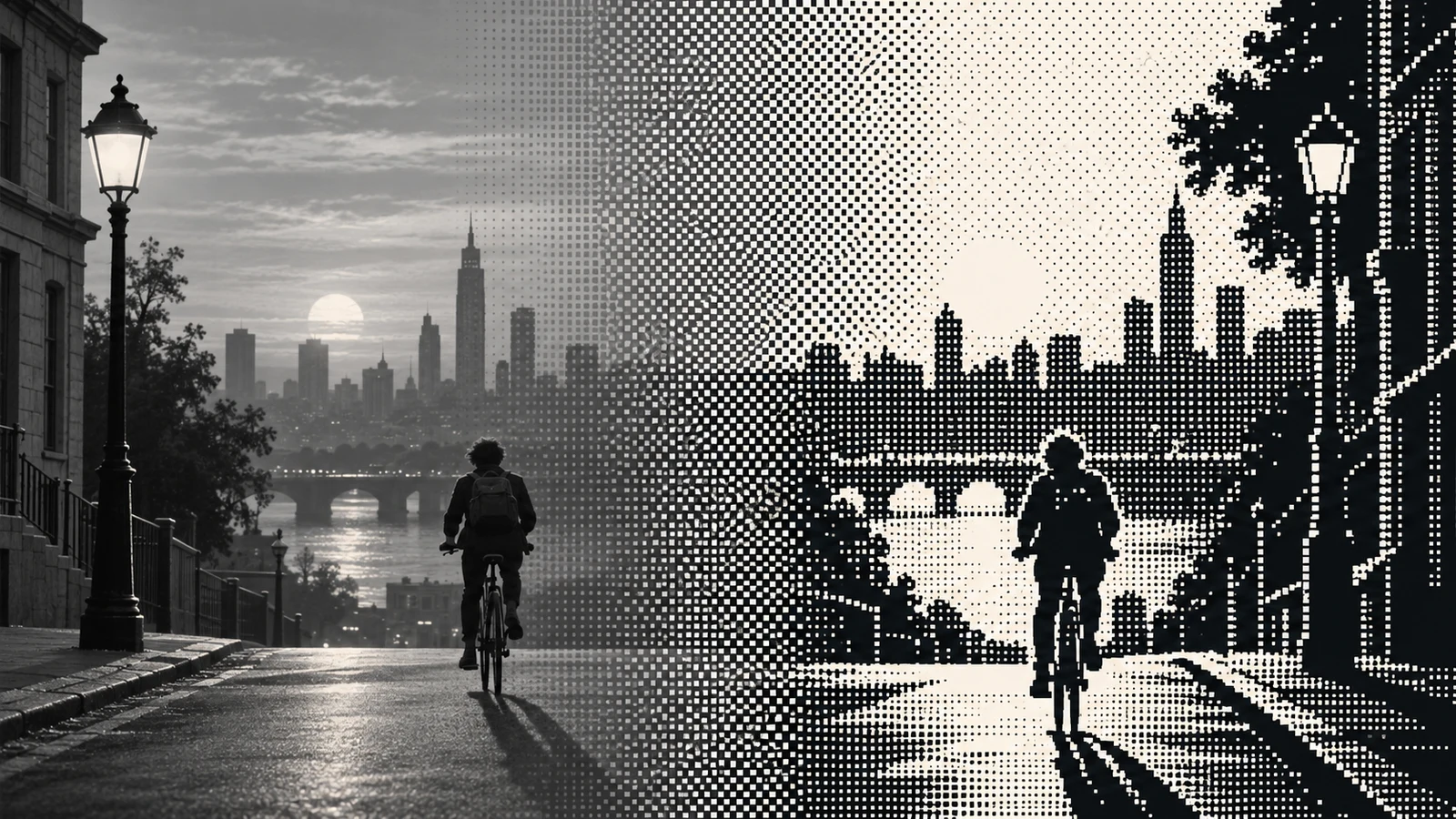
Choose Floyd–Steinberg diffusion for photographs and soft gradients. Neighboring pixels carry the quantization error, producing organic detail without adding arbitrary random noise.
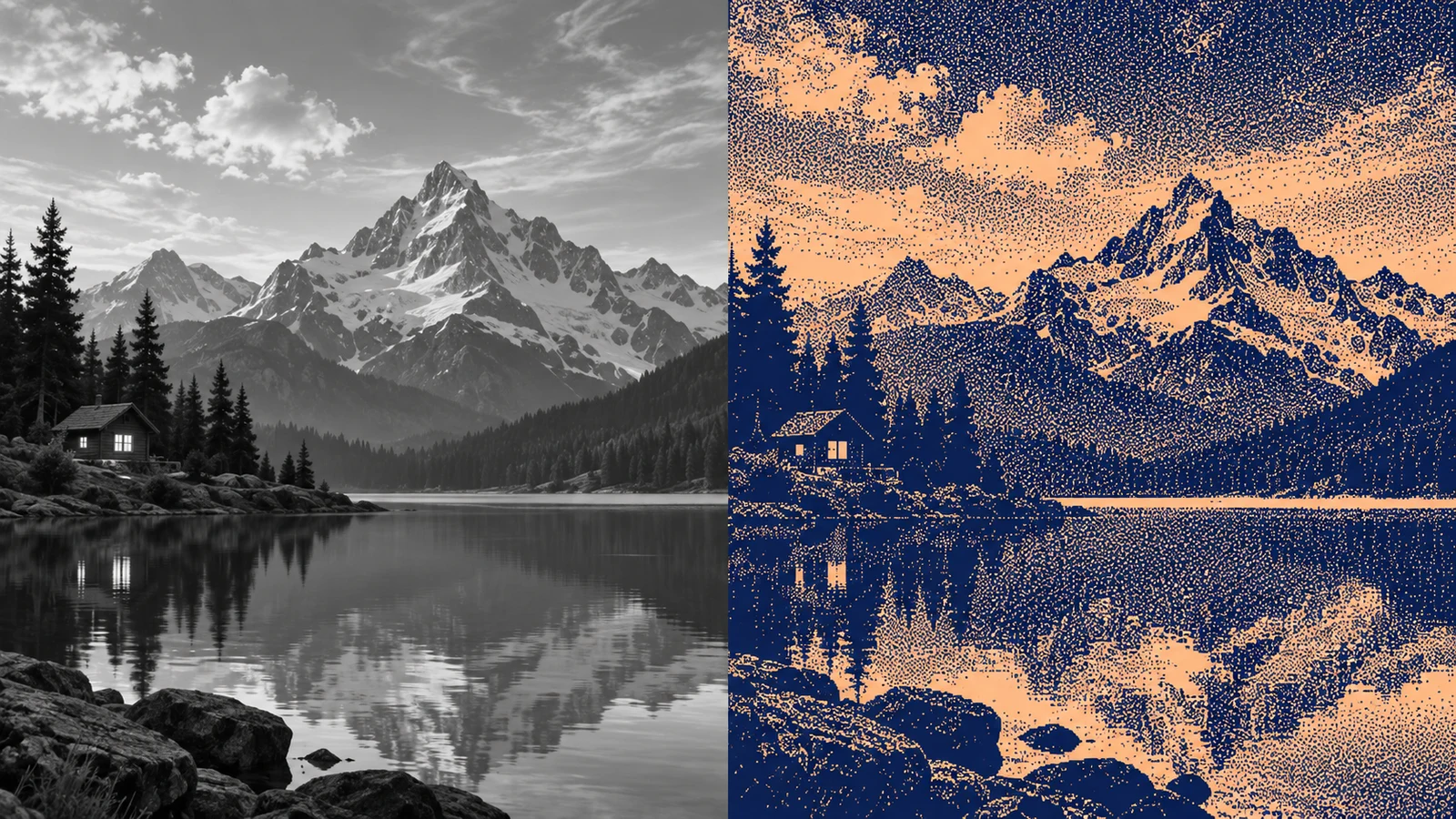
Set the color range first, compare methods second, then choose the final pixel size.
Start with black and white, a preset two-color or four-color palette, or a custom two-color pair. Fewer colors create a stronger graphic constraint.
Set the processing resolution before comparing patterns. A smaller grid exaggerates dots; a larger grid keeps more facial, object, and edge detail.
Crisp scale changes output dimensions after dithering without recalculating the pattern.
Select the ordered or diffusion card, inspect the actual PNG dimensions and file size, then download. File size depends on the encoded result, not a compression promise.
Search-informed answers about black-and-white dithering, algorithms, palettes, scaling, privacy, and PNG output.
A Dither Image tool first limits the available colors, then arranges those colors so a viewer still perceives intermediate tones. The dithering effect organizes quantization error or thresholds; it is not simply random noise placed over a photo.
Use Floyd–Steinberg diffused grain for photographs, faces, skies, and soft gradients. Use the Bayer 4×4 ordered pattern when you want repeatable dots, geometric texture, poster art, or an early-screen look. Compare both because the best method depends on the subject.
Choose the Black & white palette, then adjust brightness and contrast until the subject reads clearly. Lower the processing resolution for larger visible dots, or raise it for finer detail. Invert the tones when a light-on-dark result works better.
Yes. Select Custom two-color and choose a dark and light color. Dither Image maps image luminance across that pair, which usually preserves structure better than matching every source RGB value directly to two unrelated colors.
The processing resolution defines the actual dot grid. The editor dithers at that size first and only then enlarges with nearest-neighbor scaling, so switching from 1× to 2× or 4× keeps the pattern stable and the edges crisp.
No claim is made that it is. The visible result uses two RGB colors, but browser canvas PNG encoding may store a higher bit depth. Treat it as a two-color-looking PNG unless a file inspector confirms a true one-bit encoding.
Dithering and compression are different operations. A limited palette may change PNG size, but dimensions, alpha, patterns, and the encoder also matter. This tool reports the actual generated PNG size instead of promising a smaller file.
The editor reads, dithers, previews, and exports image pixels in your current browser tab. The image file is not sent to an image-processing server by this tool, although the website still uses ads and analytics.
Choose a palette, compare ordered and diffused results, and keep the version that preserves your subject.
Export a crisp PNG and judge its real dimensions and file size.
A black-and-white appearance is not a guarantee of true one-bit file encoding.